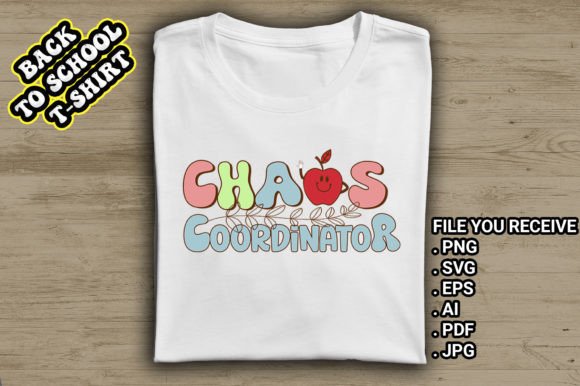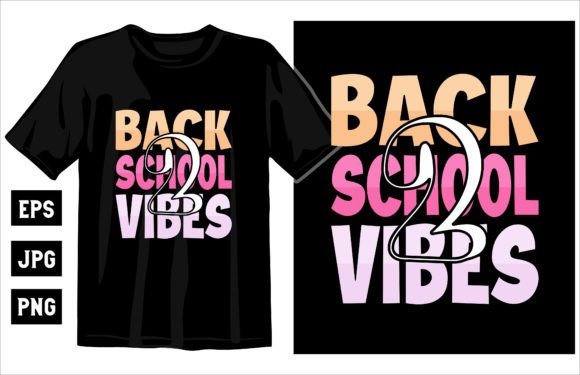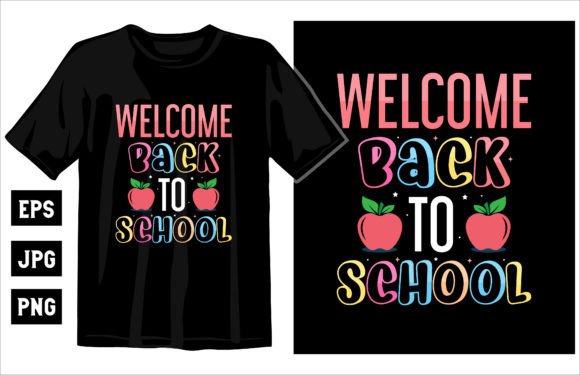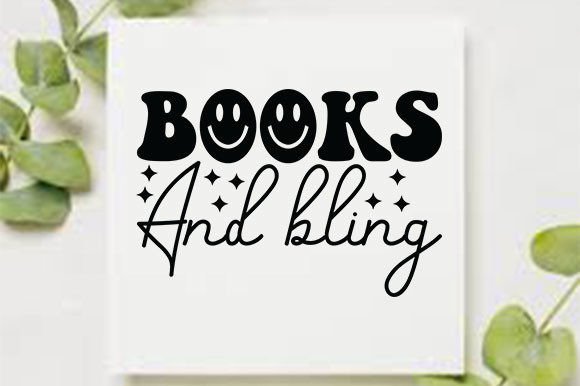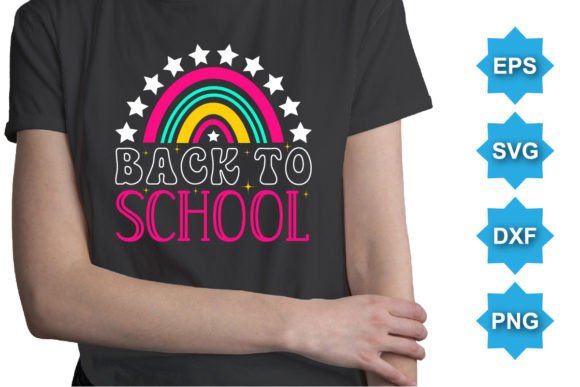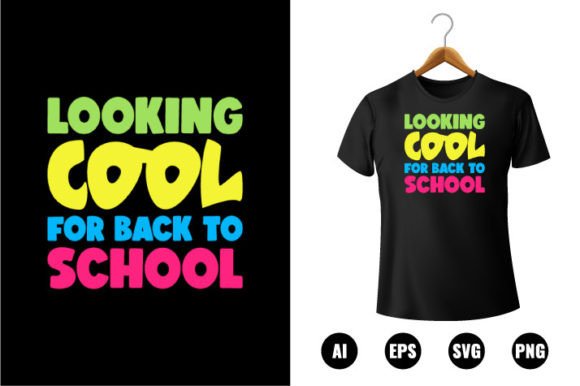
Looking Cool for Back to School T-shirt
Whether you're designing custom apparel for your classroom, launching a small merch line, or crafting personalized gifts for students, the Looking Cool for Back to School T-shirt design is built to simplify and elevate your creative process. It’s not just another clip art file—it’s a versatile, professional-grade digital asset crafted specifically for real-world use across print, digital, and hands-on projects.
What Makes This Design So Practical?
This isn’t a low-res JPEG you’ll struggle to scale or recolor. You’ll receive a complete set of editable vector files—including AI, EPS, SVG, and high-resolution PNG—each optimized for different workflows. All versions are print-ready at 300 DPI, compatible with Adobe Illustrator CC, and built using 100% vector shapes. That means you can resize the design to fit a toddler’s onesie or a large tote bag without losing crispness or detail.
The “This is a Back To School T-shirt Design” concept centers on lighthearted confidence—not flashy slogans or forced trends, but clean, approachable energy that resonates with students, teachers, and parents alike. Think bold outlines, balanced spacing, and thoughtful typography that reads well both up close and from across a hallway.
Why People Reach for This Design
Adults aged 20–50 often juggle multiple roles: a freelance designer helping a local school PTA, a small business owner stocking seasonal inventory, or a parent organizing a class welcome event. What they share is a need for speed, flexibility, and reliability—without sacrificing quality.
For example, a homeschool co-op leader might use the SVG version to cut vinyl for student name tags in under five minutes. A boutique owner could drop the AI file into their print-on-demand dashboard, swap the navy background to mint green, and list new tees before lunch. An educator might paste the PNG into a Canva slideshow to preview the design during a back-to-school night presentation.
Where It Fits Naturally (Beyond Just T-Shirts)
While the name highlights apparel, this design shines across many physical and digital applications:
- Clothing printing: Works flawlessly on cotton tees, hoodies, and even performance fabrics thanks to its vector clarity and clean edges.
- Engraving & cutting: Compatible with Cricut, Silhouette, and laser engravers—ideal for wood signs, acrylic keychains, or leather bookmarks.
- Stickers & decals: The layered, color-changeable structure lets you isolate elements (like the “cool” icon or school year text) for peel-and-stick sheets.
- Canvas & wall decor: Scale up for classroom bulletin boards or printable posters—no pixelation, no guesswork.
- Scrapbooking & printable kits: Use individual vector shapes as embellishments in digital planners or printed activity packs for orientation week.
Easy Editing, Real Control
You don’t need advanced design skills to make this yours. Each element—text, icons, borders—is fully separated and labeled in the AI and EPS files. Want to change “Back to School” to “First Day Ready”? Done in seconds. Prefer teal instead of purple? Adjust the global swatch, and every shape updates instantly. Even the PNG includes a transparent background, so it drops cleanly into social posts or email newsletters.
The “100 color changeable” feature isn’t marketing speak—it means every stroke, fill, and shadow is built with editable color values, not flattened pixels. And because all shapes are vectors, resizing never introduces jagged edges or blurry halos—even when blown up 500% for a banner.
Things to Keep in Mind Before You Start
While this design is beginner-friendly, a few practical notes help avoid hiccups:
- Software matters: For full editing control (like adjusting individual letters or repositioning icons), use Adobe Illustrator CC or a vector-compatible app like Affinity Designer. Basic tools like Canva or PowerPoint can handle the PNG or SVG—but won’t let you tweak anchor points or layers.
- Print partners vary: Some screen printers prefer EPS; others request high-res PNGs with bleed. Always check with your vendor first—and know that this pack gives you options for either scenario.
- Color accuracy isn’t automatic: Monitors display color differently. If matching school branding is essential, test print a small swatch or request a physical proof—especially when working with Pantone or specific CMYK values.
- Licensing is straightforward—but read it: This is a single-user commercial license. You’re free to sell products made with the design (like printed shirts or stickers), but you may not resell or redistribute the files themselves.
Real-Life Moments Where It Makes a Difference
A freelance graphic designer used the AI file to create matching staff shirts for a charter school’s orientation day—customizing colors to match the school’s logo, then exporting separate SVG cuts for iron-on transfers. She delivered final files in under two hours.
A mom running a small Etsy shop added the design to her best-selling “Back to School Bundle,” pairing it with editable name labels and lunchbox tags. Customers loved being able to preview color changes before ordering—boosting confidence and reducing returns.
An art teacher projected the SVG onto her whiteboard, then traced the outline with students to practice proportion and layout—turning a digital file into an interactive lesson tool.
Final Thought: It’s About Confidence, Not Just Cool
“Looking Cool for Back to School T-shirt” captures something deeper than style—it’s about showing up ready, capable, and authentically yourself. Whether you’re supporting students, building a brand, or simply making everyday moments more joyful, this design gives you the tools to do it well, quickly, and without compromise. It’s not about chasing trends. It’s about having what you need—when you need it—so you can focus on what really matters.